v1.0 · STABLE RELEASE · X11 · OPEN SOURCE

Your wallpaper
comes alive.

Aura Studio is a free, open-source animated live wallpaper engine for Linux X11. Real-time shaders, dynamic auto-theming, and a built-in catalog — all in one lightweight app.

MP4 · WEBM · MKV BSPWM · I3 · AWESOMEWM LIVE SHADERS AUTO THEMING MULTI-MONITOR MOTIONBGS · MOEWALLS · WALLHAVEN 0% GPU IN GAMES SYSTEM TRAY
Get Aura Studio ★ Star on GitHub
Aura Studio Interface
$ git clone https://github.com/HoneyWels/Aura-Studio && cd Aura-Studio && ./install.sh
Showcase

See it in action.

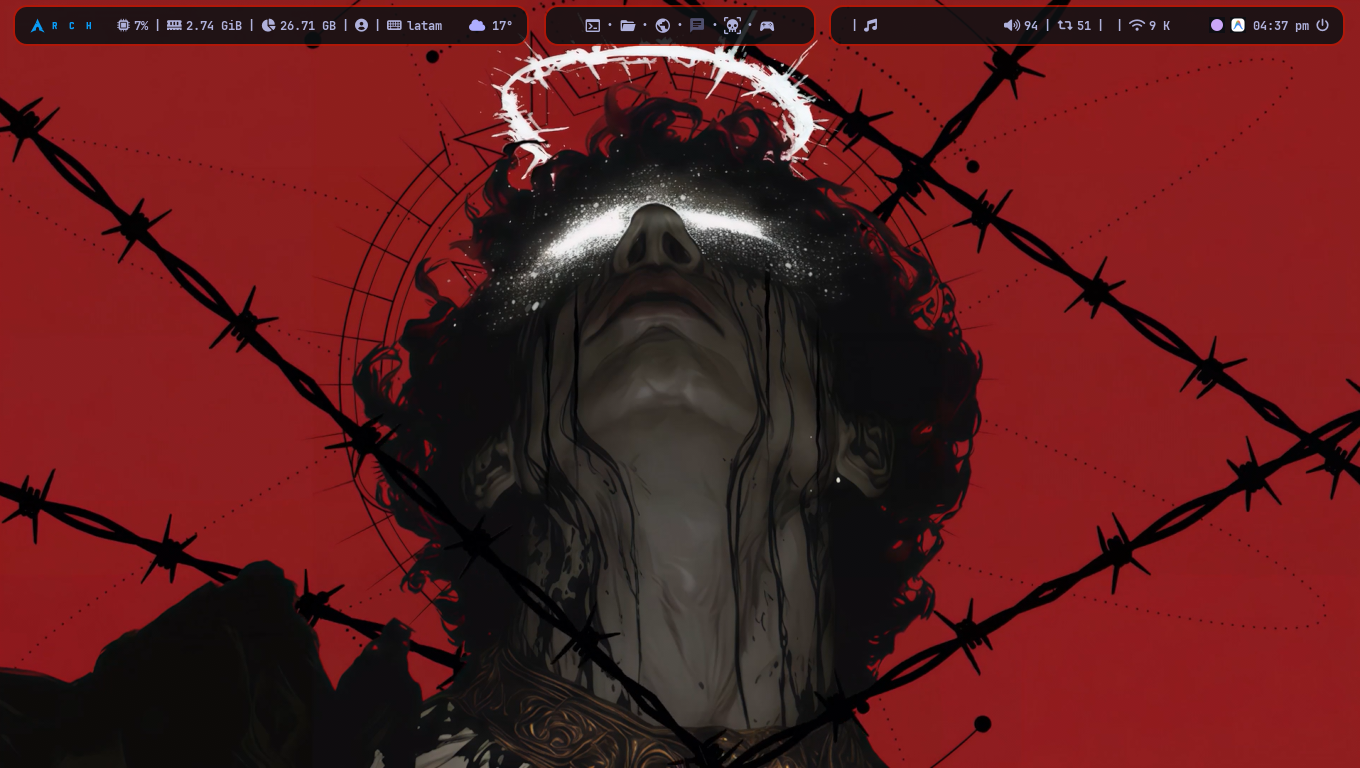
Aura Studio handles everything from applying live shaders to extracting system-wide accent colors in real time.

1. One-Click Wallpapers

2. Live Visual Filters

3. Built-in Catalog

4. Dynamic Auto-Theming

Features

Everything you need.
Nothing you don't.

Built for minimalists who still want a stunning desktop. Lightweight by design, powerful by nature.

🎬

Animated Wallpapers

Hardware-accelerated video playback via MPV. Supports MP4, WEBM, MKV, GIF, and static images. Virtually zero CPU usage once loaded.

🎨

Dynamic Auto-Theming

Aura samples the dominant colors of your wallpaper and applies them in real time to your window borders, Polybar, Rofi, Kitty, and Dunst.

✨

Live Visual Filters

Apply cinematic shaders on the fly — Blur, Cyberpunk, Sepia, Invert, Chromatic Aberration, and more. Switches seamlessly using dynamic GPU/CPU handoff.

🖥️

Multi-Monitor Native

Assign a different wallpaper and different shader to each connected screen. Per-monitor auto-theming applies independently to each display.

🌐

Built-in Online Catalog

Browse and download directly from MotionBgs, MoeWalls, and Wallhaven (with 1080p / 1440p / 4K filters) without ever leaving the app.

🎮

Game-Sense Auto-Pause

Detects fullscreen games and immediately halts video rendering, returning 100% GPU bandwidth to your frames. Resumes when you alt-tab out.

🔋

Smart Battery Saver

Automatically pauses wallpaper playback when your battery drops below a configurable threshold. Your fan stays quiet, your battery lasts longer.

📌

System Tray & Ghost Mode

Aura Studio hides to the system tray when closed. Quick-control Play/Pause, Next Wallpaper, and more — all from the right-click menu.

🎡

Slideshow & Rotation

Set a timer to auto-rotate through your local library at any interval. Shuffle mode picks a random wallpaper so every session feels fresh.

Compare

Where it stands.

How Aura Studio compares to existing Linux wallpaper solutions.

Feature Aura Studio Xwinwrap+MPV Komorebi Hidamari
Animated Wallpapers✔✔✔✔
Graphical Interface✔✘✔✔
Live Shaders / Filters✔✘✘✘
Dynamic Auto-Theming✔✘✘✘
Built-in Online Catalog✔✘✘✘
Wallhaven / 4K Search✔✘✘✘
Multi-Monitor Support✔Manual✘✔
Game Auto-Pause✔✘✘✘
Battery Saver✔✘✘✘
System Tray✔✘✘✘
Free & Open Source✔✔✔✔
FAQ

Questions, answered.

Everything you wanted to know before installing.

Does it work on Wayland / Hyprland?
Not currently. Aura Studio is built on top of xwinwrap, which is an X11 technology. It works perfectly on BSPWM, i3wm, AwesomeWM, Openbox, XFCE, and any other X11 window manager. Wayland support is a planned feature for a future release.
Will it drop my gaming FPS?
No. Aura's Game-Sense Auto-Pause monitors for fullscreen applications. The instant a game takes over your screen, MPV halts video decoding and the GPU draw drops to 0%, giving all resources back to your game. It resumes automatically when you alt-tab.
Does the Auto-Theming work with my rice?
Aura Studio's Auto-Theming system was designed to be universal. It targets BSPWM window borders, Polybar, Rofi, Kitty terminal, Ghostty terminal, Dunst notifications, and MPV. Each target is checked defensively — if the config file doesn't exist on your machine, it's silently skipped. If you're using gh0stzk dotfiles, the integration is plug-and-play.
Where are my downloaded wallpapers stored?
By default, Aura stores downloaded wallpapers in the first folder listed in your POOL configuration inside ~/.config/aura/aura.conf. You can add any existing folder from the Library panel using the ➕ button, and browse the download folder directly with the 📂 button.
Is it completely free?
Yes, 100% free and open-source. No accounts, no telemetry, no ads, no paywalls. Aura Studio is built by the community, for the community.
Can I use my own video files?
Absolutely. Just drag and drop any MP4, WEBM, or MKV file directly onto the Aura Studio window, or paste a YouTube link into the search bar and Aura will download it automatically using yt-dlp.
Download

Put your desktop
back to life.

Free and open source. Works on any X11 Linux setup in under a minute.

⚡ Quick Install (Arch)

Automatically installs all dependencies using pacman and yay, then sets up Aura Studio in one command.

# Clone and install
git clone https://github.com/
  HoneyWels/Aura-Studio
cd Aura-Studio
./install.sh

📦 Dependencies

Required packages for other distributions. Install them before copying the files manually.

# Arch / Manjaro
sudo pacman -S mpv xdotool xorg-xrandr yt-dlp python-pyqt6
yay -S xwinwrap-git python-colorthief
# Debian / Ubuntu
sudo apt install mpv xdotool x11-xserver-utils yt-dlp python3-pyqt6 python3-pip
pip3 install colorthief --break-system-packages
# Fedora
sudo dnf install mpv xdotool xrandr yt-dlp python3-qt6
pip3 install colorthief

📥 Manual / Other Distros

Download the latest pre-packaged archive and run the install script manually.

# Download
GitHub Releases → Aura-Release.tar.gz

# Extract & install
tar -xzvf Aura-Release.tar.gz
cd Aura-Release
./install.sh

Download Latest Release ↗